
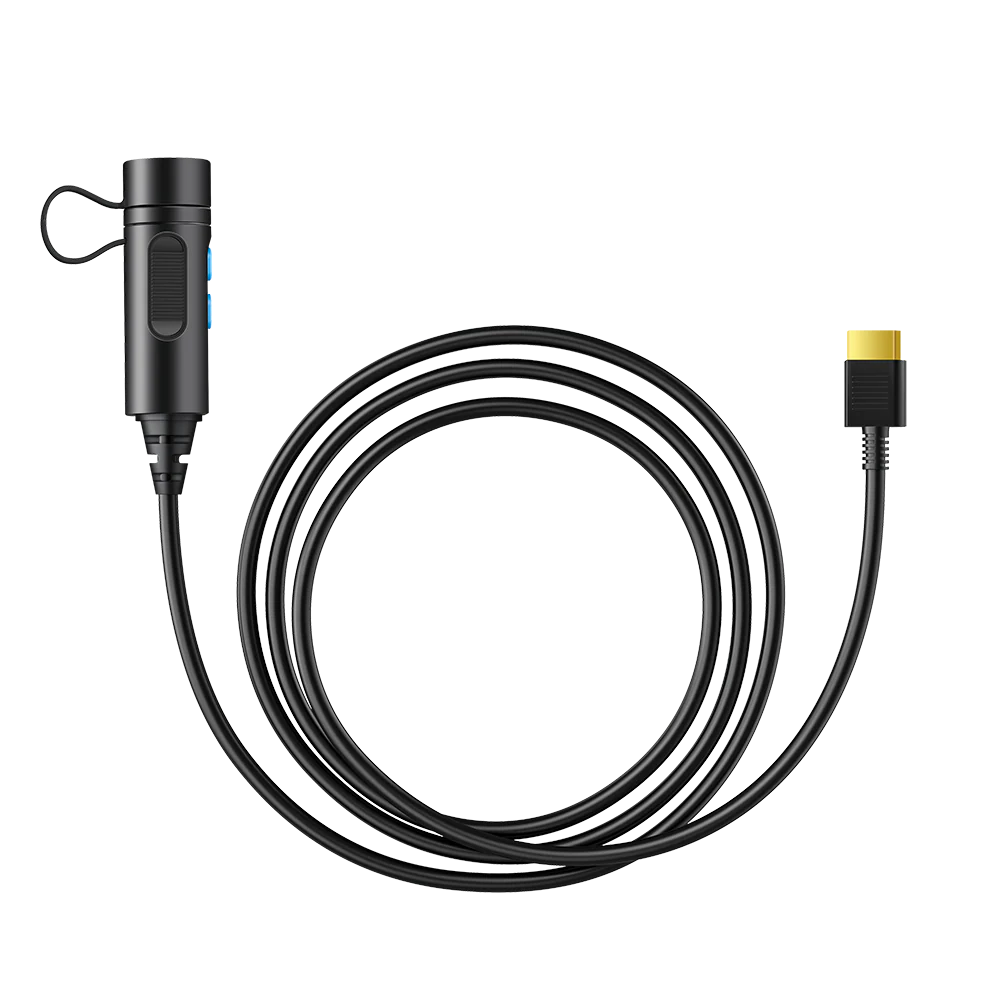
BLUETTI External Battery Connection Cable (P090D Series)
BLUETTI External Battery Cable: Every BLUETTI power station has a finite battery until you plug an external pack into it. This cable is what makes that connection.
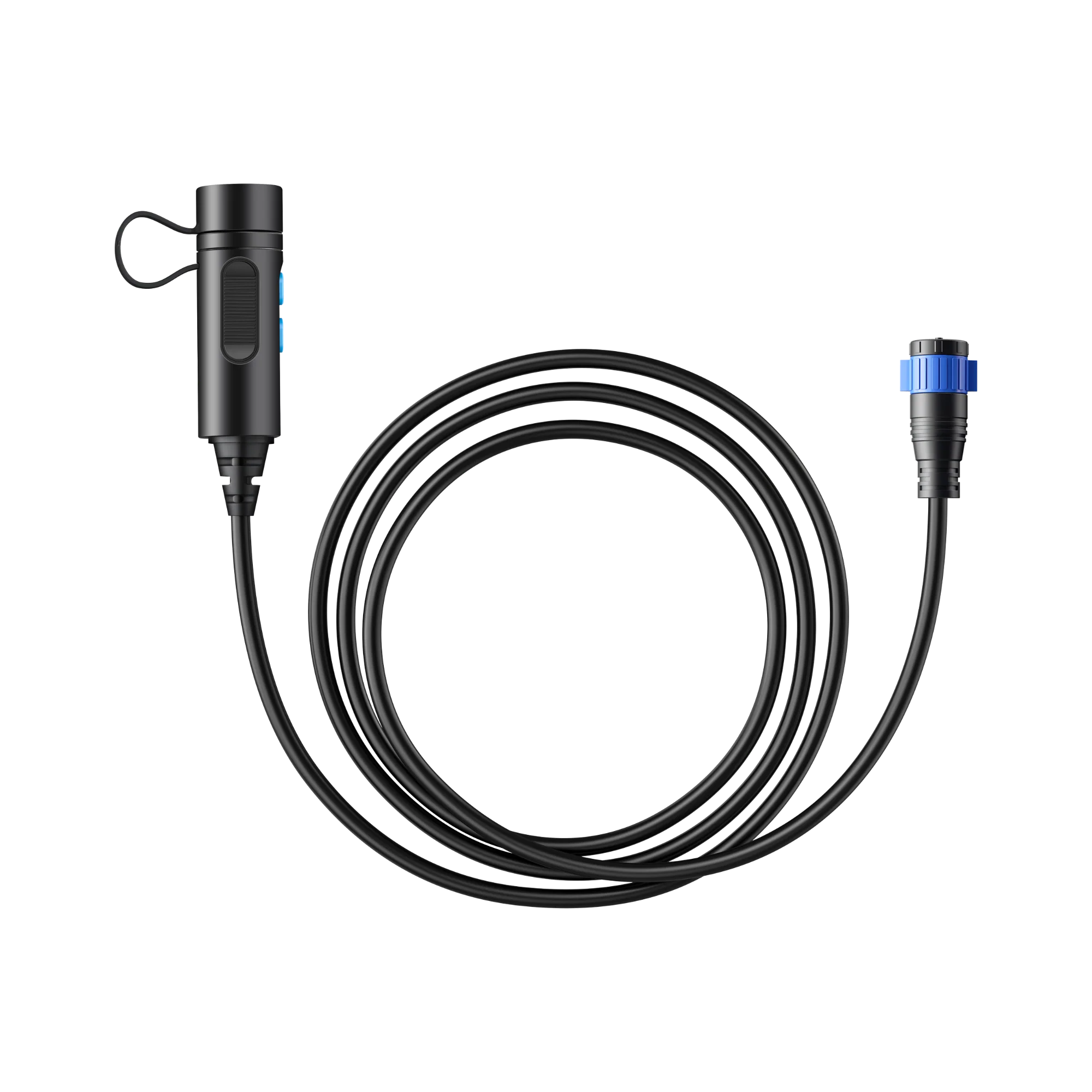
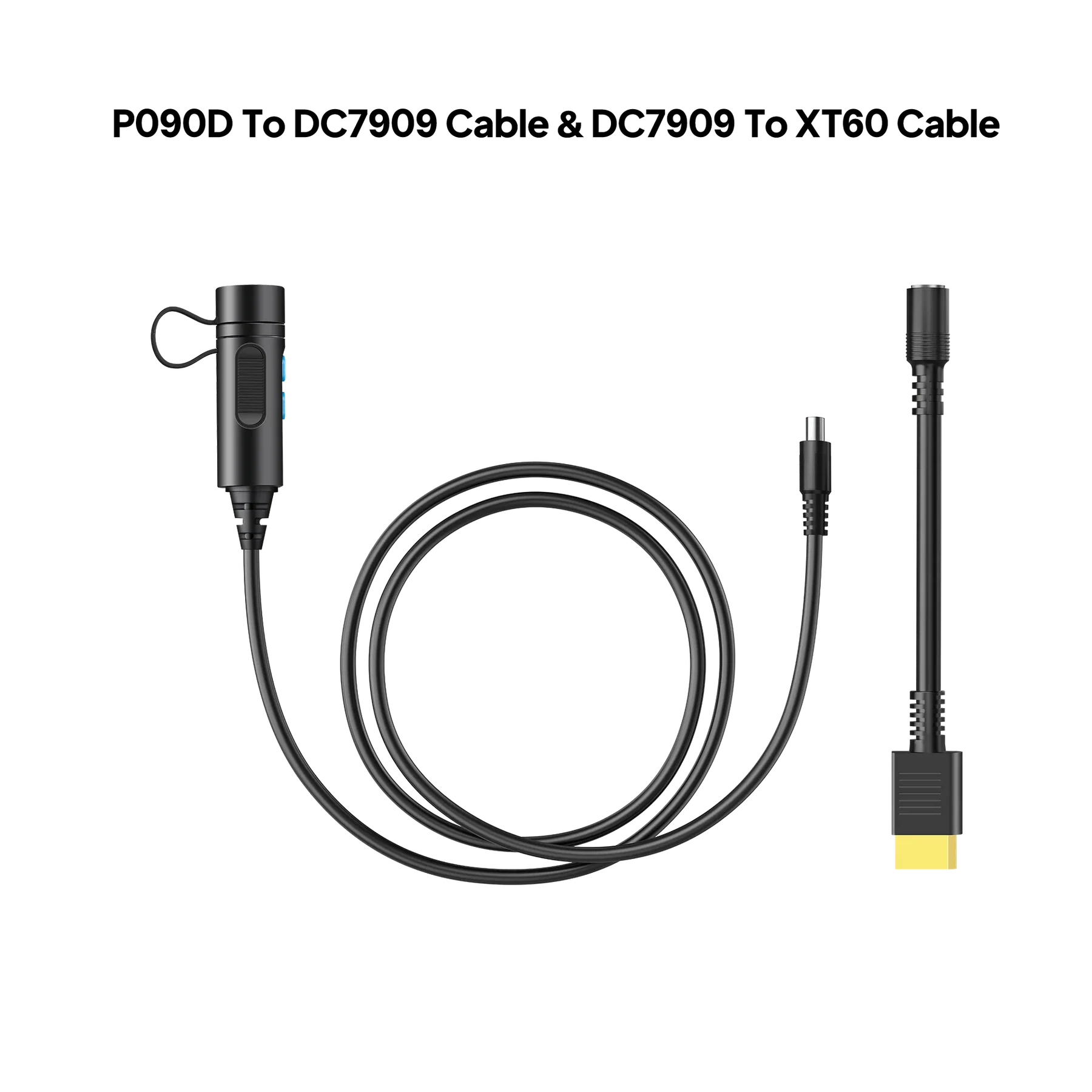
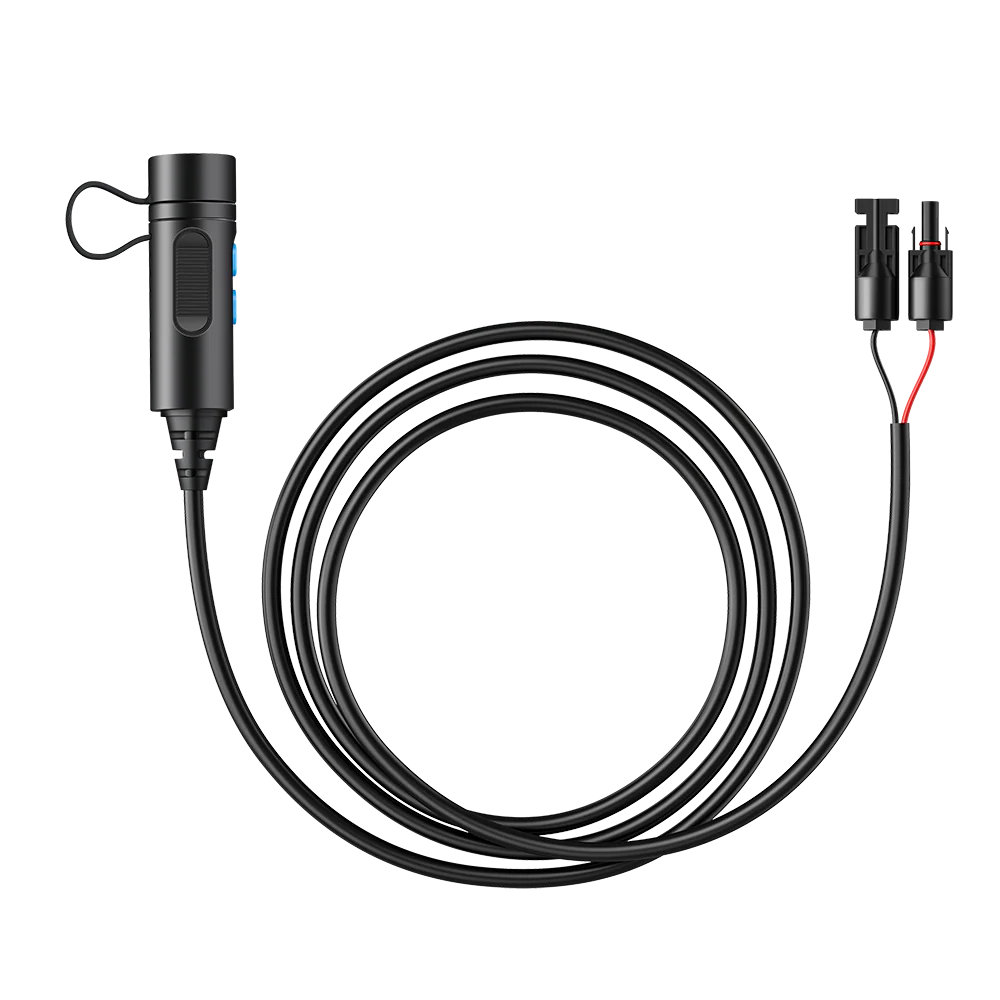
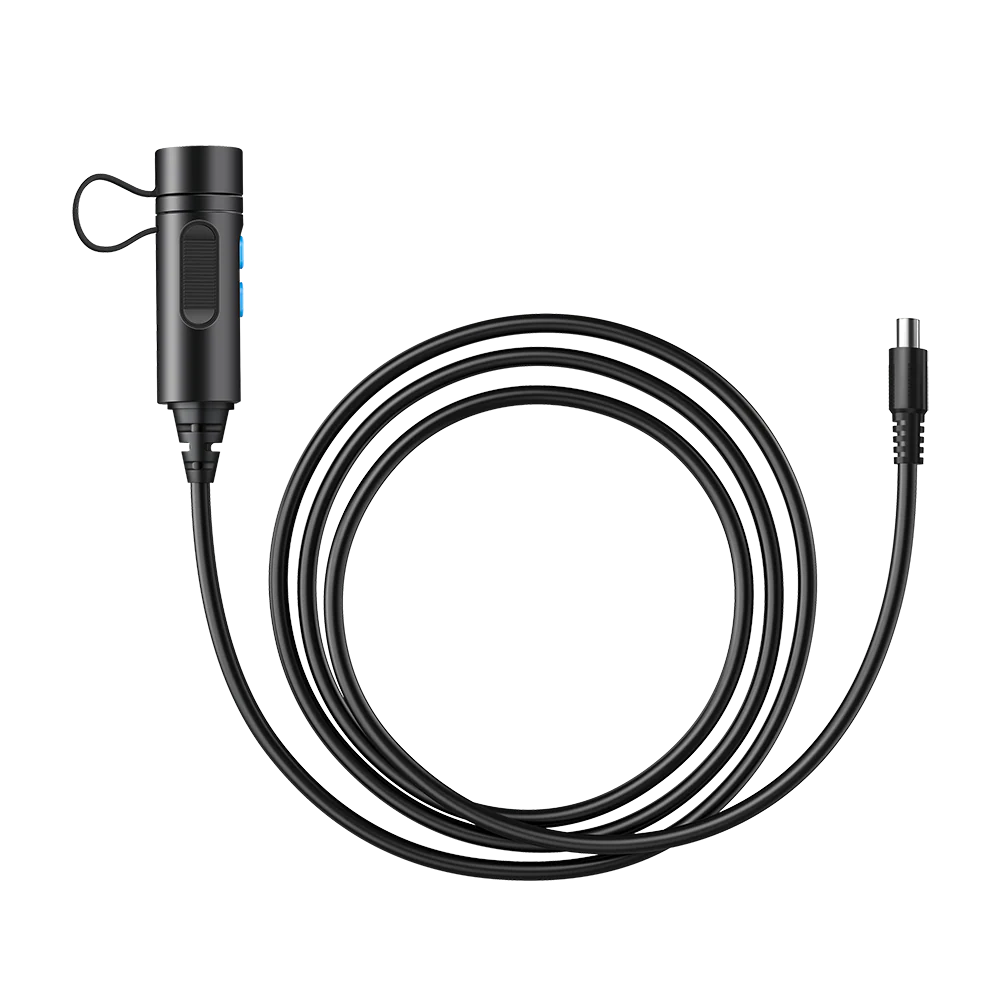
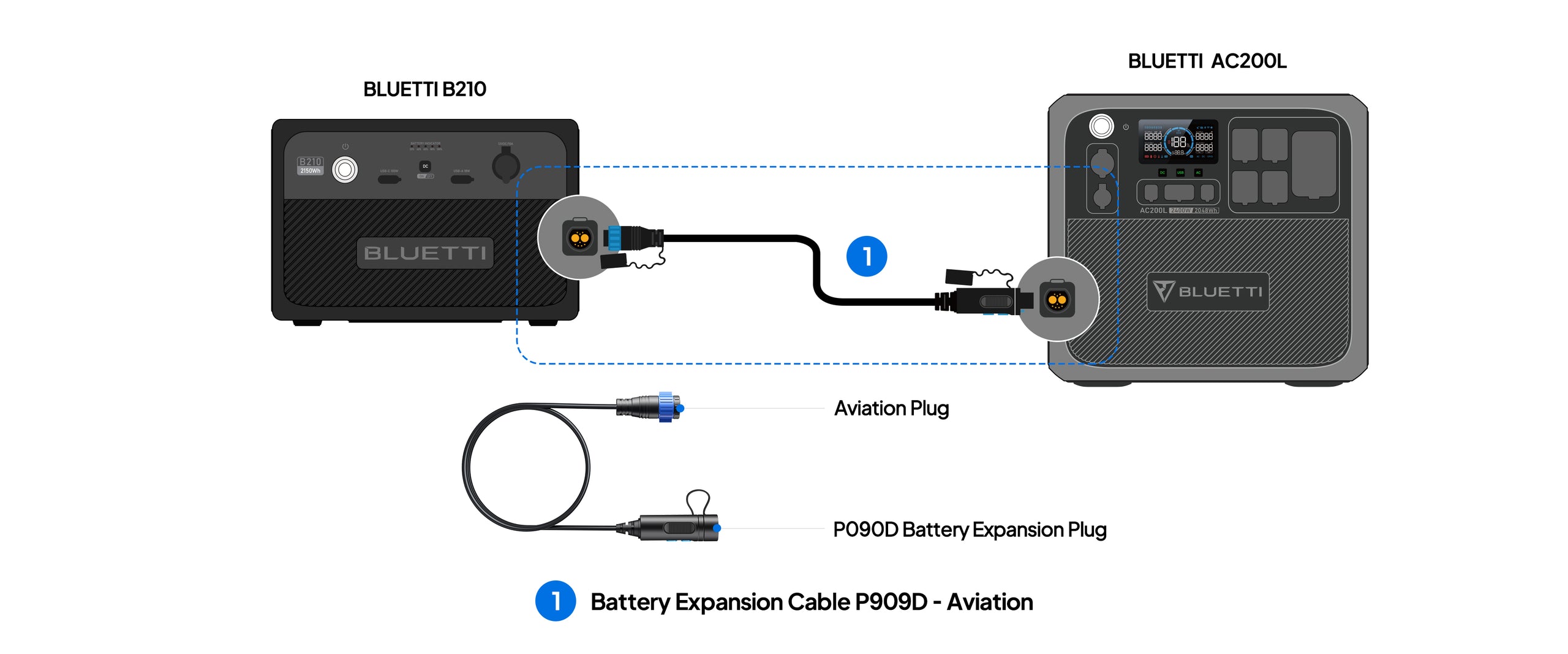
The P090D end plugs into the battery port on a B210, B230, or B300 expansion pack. The other end plugs into your power station’s DC input, using whichever connector that specific model expects. Once connected, the power station draws from the external pack alongside its internal battery extending runtime for anything from a weekend camping trip to a multi-day grid outage.
Which connector you need depends on which power station you own. Choose the right variant at checkout using the table below.
Choose the right variant for your power station
Variant
Power Station
Cable Length
| P090D to Aviation | AC200L | 42.5 in / 1.08 m |
| P090D to DC7909 | EB150, EB240, AC180 | 59 in / 150 cm |
| P090D to XT90 | AC200, AC200P | 59 in / 150 cm |
| P090D to MC4 | EP500 Pro | 59 in / 150 cm |
| P090D to XT60 | AC70 (connecting to B230 / B300) | See product listing |
Ordering the wrong variant is the #1 reason these cables get returned. Check your power station model against the table before selecting. The connector type is stamped near the DC input port on the power station itself if you’re not sure.
What it does in practical terms
- Doubles or triples runtime. A B300 (3,072 Wh) plugged into an AC180 (1,152 Wh) gives you roughly 3.6× the total usable capacity — enough to keep a fridge running for over 24 hours during an outage.
- Chains multiple packs. If your power station supports more than one external battery, you can add packs in series to keep extending capacity.
- Enables faster refill from the pack. When mains power returns, the power station recharges itself and the external battery through the same port.
- Works with solar input. Solar panels can charge the power station, which then top-ups the external pack — no separate charging path needed.
Setup the step most people miss
Before the external battery will supply power through this cable, it needs to be woken into power bank mode. This is the step BLUETTI’s quick-start card easy to skip:
- Long-press the power button on your B210 / B230 / B300 pack for about 10 seconds until the LED indicator flashes.
- Plug the P090D end of the cable into the battery port on the pack.
- Plug the other end into the matching DC input port on your power station.
- Turn the power station on. It will detect the external supply automatically and start drawing from both batteries in parallel.
If the power station doesn’t detect the pack, the most common cause is the 10-second hold not registering. Repeat step 1 until the LED flashes to confirm the pack is in output mode.
Specifications
Attribute
Detail
| Connector — power station end | Aviation / DC7909 / XT90 / MC4 / XT60 (variant-dependent) |
| Connector — battery pack end | P090D |
| Cable length | 42.5 in (1.08 m) on the Aviation variant; 59 in (150 cm) on DC7909, XT90, MC4 |
| Compatible battery packs | B210, B230, B300 |
| Compatible power stations | AC70, AC180, AC200, AC200P, AC200L, EB150, EB240, EP500 Pro |
| Application | Extends power station capacity by connecting an external battery pack |
| Type | Genuine BLUETTI accessory |
Compatibility notes
- Verify your power station model before ordering. Not all AC200-series units use the same connector — the standard AC200 and AC200P use XT90, while the newer AC200L uses Aviation. Wrong cable, no connection.
- Not for third-party batteries. The P090D connector and BLUETTI’s communication protocol are proprietary. This cable connects BLUETTI packs to BLUETTI power stations, not to generic LiFePO4 batteries.
- AC500 and B300K owners need a different cable set (P090D to P150D for AC500; CA90 for B300K stackable configurations). Check your model documentation if either applies.
When you’d buy this cable
- You bought a BLUETTI power station and later added a B230 or B300 pack the pack ships without a station-specific cable.
- You lost or damaged the original cable that came bundled with your battery pack.
- You’ve expanded from one battery pack to two and need a second cable.
- You upgraded your power station and the old cable no longer fits the new unit’s DC input.



 No products in the cart.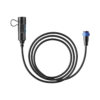
Reviews
There are no reviews yet.